Clients can rejected a submitted document if it doesn’t meet their need or expectation.
Left menu: Contractors ⇒ Top sub-menu: Pending Requirements
- The compliance status of the requirement as well as most of its information fields will be red.
- The rejection date will be displayed.

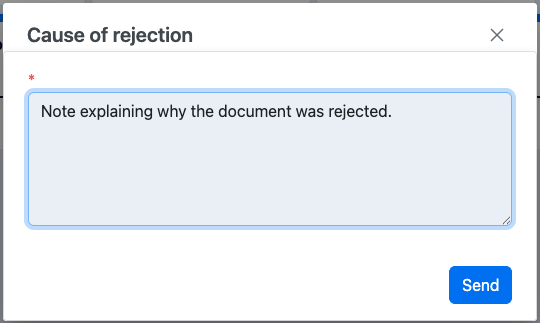
- The reason why (note icon) will be activated and clickable to read the note.
- Click on the rejected Requirement to attach a new file or modify the dates.
- You can add back a comment in the comment window.
- The process will repeat until the document is approved by your client.